Physical Address
304 North Cardinal St.
Dorchester Center, MA 02124
Physical Address
304 North Cardinal St.
Dorchester Center, MA 02124

On the second evening after I bolted the first 100 feet of the Govee Permanent Outdoor Lights 2 Pro to my front fascia, a neighbor crossed the street to ask which lighting company I had hired. I had hired nobody. I had spent a Saturday on a ladder with a cordless drill and a roll of adhesive clips. That reaction is the entire value proposition of this product in one sentence, and it is also why this Govee Permanent Outdoor Lights 2 Pro review needed to be written by someone who actually installed the full 200 feet rather than unboxing it on a desk.
I ran these lights for six weeks, from late August through early October, on a two-story house with a wraparound front eave, a gable end, and roughly 30 feet of exposed side wall. Ambient temperatures ranged from 94°F on install day down to 28°F on the last night of testing. I also cut one segment at a marked point and submerged the cut end in a five-gallon bucket for 72 hours to see what IP68 actually means in practice.
This review covers installation, day-to-day app behavior, color accuracy, weather performance, and the parts of the system that annoyed me. If you are trying to decide whether to spend $639.99 on permanent lighting instead of re-hanging string lights every November, this should get you there. I have also tested Govee’s wireless outdoor security camera and their smart home ecosystem behaves consistently across devices, which matters here.
Disclosure: This article contains affiliate links. If you purchase through our links, we may earn a small commission at no extra cost to you. Our testing and opinions are independent.
If you already know you want them, you can check whether the Govee Permanent Outdoor Lights 2 Pro is worth buying at the current price before reading further.
Govee Permanent Outdoor Lights 2 Pro — Quick Verdict
Best for: Homeowners who want architectural eave lighting they can reprogram for holidays instead of re-hanging seasonal string lights every year.
Not ideal for: Renters, anyone on a sub-$400 lighting budget, or someone who wants a single warm-white glow and never plans to touch an app again.
Price at time of review: 639.99USD
Tested for: Six weeks across 200 feet on a two-story home — front eave, gable end, and side wall — from 94°F down to 28°F, plus a 72-hour submersion test on a cut segment.
Bottom line: The dual-zone color blending is the best I have seen from a consumer permanent lighting kit, but you are paying a premium for app intelligence that occasionally gets in the way of the hardware.
The Govee Permanent Outdoor Lights 2 Pro sits in the permanent architectural lighting category — a step above seasonal string lights and a step below professionally installed systems like Trimlight or Jellyfish Lighting. At $639.99 for a 200-foot run with 84 light sources, it lands firmly in the premium consumer tier, roughly 40 percent above the original Govee Permanent Outdoor Lights Pro and a fraction of what a pro install runs.
Govee has been making smart lighting since 2017 and has built its reputation on app-driven color rather than hardware minimalism. That shows here. The problem this product solves is simple and expensive to solve otherwise: most homeowners want eave lighting that stays up year-round, changes with the season, and does not look like a tangled extension cord stapled to trim.
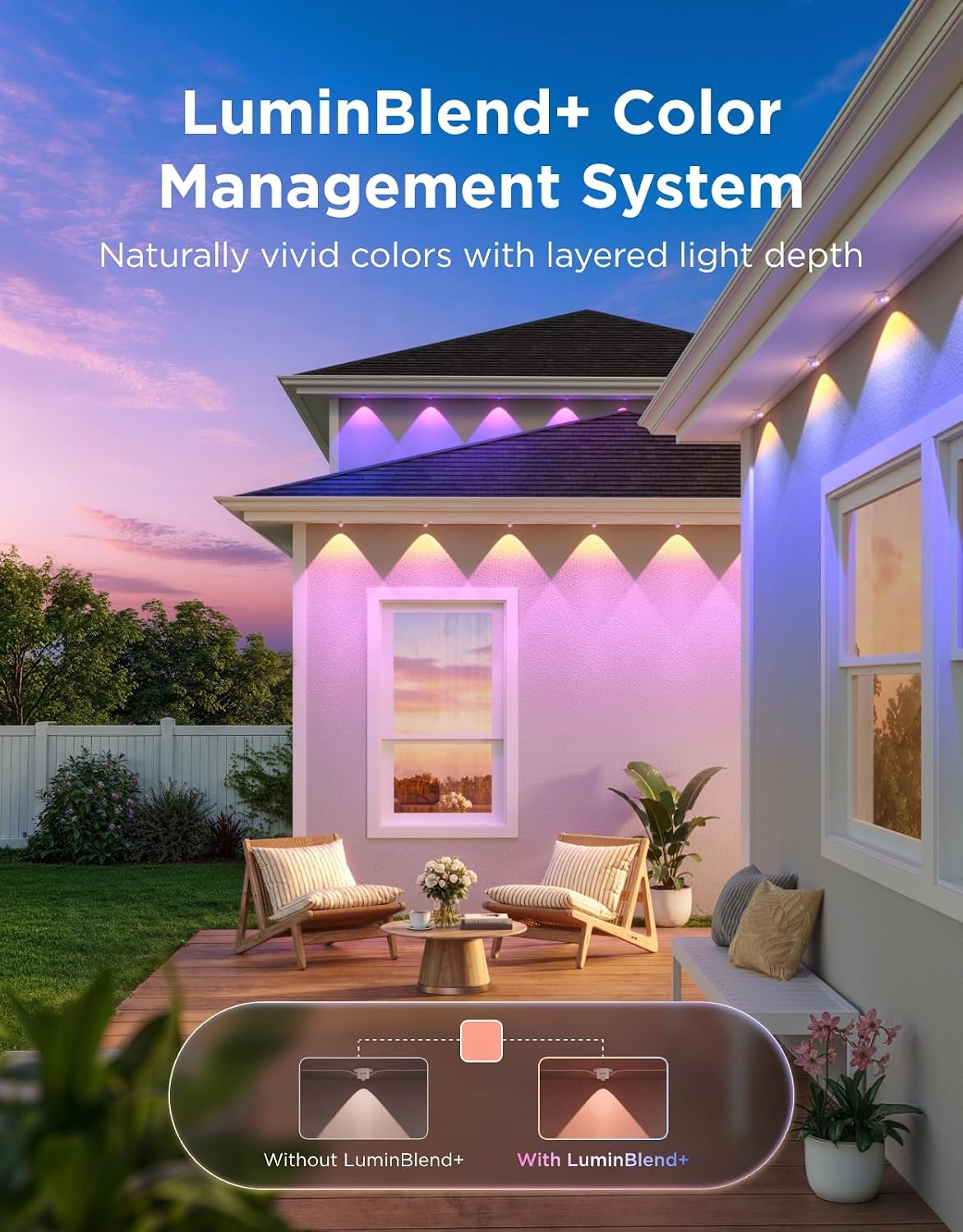
Two engineering choices separate it from the pack. First, each light node contains two independently controllable LED zones rather than one, which is what enables the dual-layer color effect and the gradient blending Govee calls LuminBlend+. Second, the Y-shaped snap-fit connectors allow center-feed power layouts, meaning you are not forced to run a single strand from one corner of the house. That is a real installation advantage on multi-ridge roofs, and this Govee Permanent Outdoor Lights 2 Pro review and rating weighs both against what they cost you.
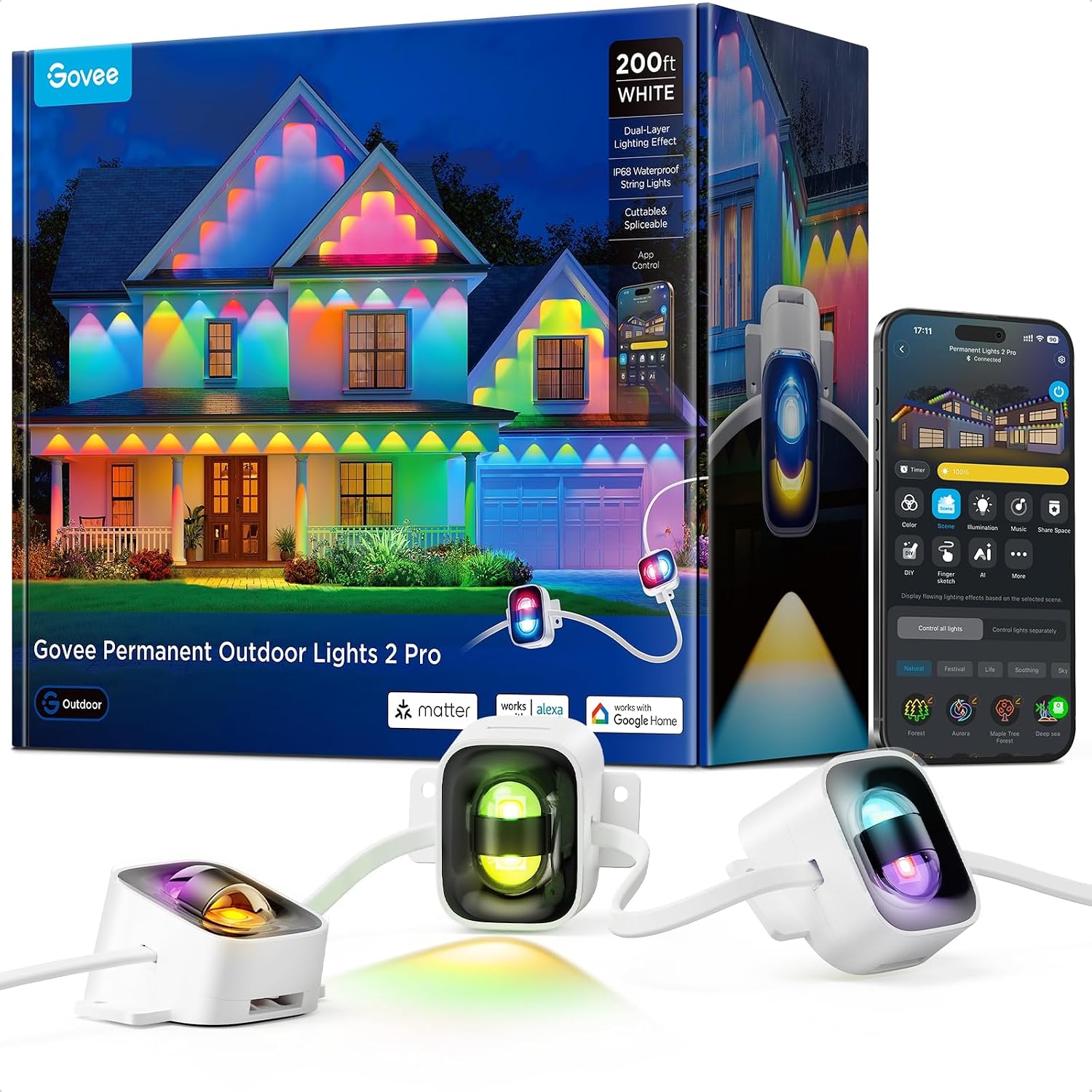
I installed the full 200-foot kit across three elevations: the 62-foot front eave above the porch, the 28-foot gable end, and roughly 30 feet of side wall, with the remaining length split between a rear soffit and two extension runs. Total install time was about five hours across two sessions, mostly on a ladder. The control box sits under a covered porch outlet, which is the harshest acceptable location I would recommend.
For the weather portion, I logged behavior across a 66-degree temperature swing and one heavy storm that dropped 1.4 inches of rain in under three hours. I compared color output side by side against a first-generation Govee Permanent Outdoor Lights Pro strand I had on hand from an earlier project.
On day one, the lights came up in a default warm-white scene and the app paired in about 90 seconds over Bluetooth before handing off to 2.4GHz Wi-Fi. By the end of week two, I had stopped opening the app entirely and was relying on scheduled scenes — that is when the system started earning its keep.
The daily-driver experience is genuinely pleasant. Geometric scenes like a slow amber-to-rose sweep across the gable read as intentional architecture rather than a light show. The white range is wide enough that a 3000K setting looks like halogen and a 9000K setting looks like moonlight, and transitioning between them takes about a second without visible stepping.
The friction points are all software. Scene switching occasionally lags two to four seconds on the first command after the app has been backgrounded, and the Music Sync feature responded inconsistently to music playing indoors through closed windows — it picked up bass well and mid-range poorly. Meanwhile, the physical hardware has been flawless. No flickering, no dropped nodes, no dead segments in six weeks.
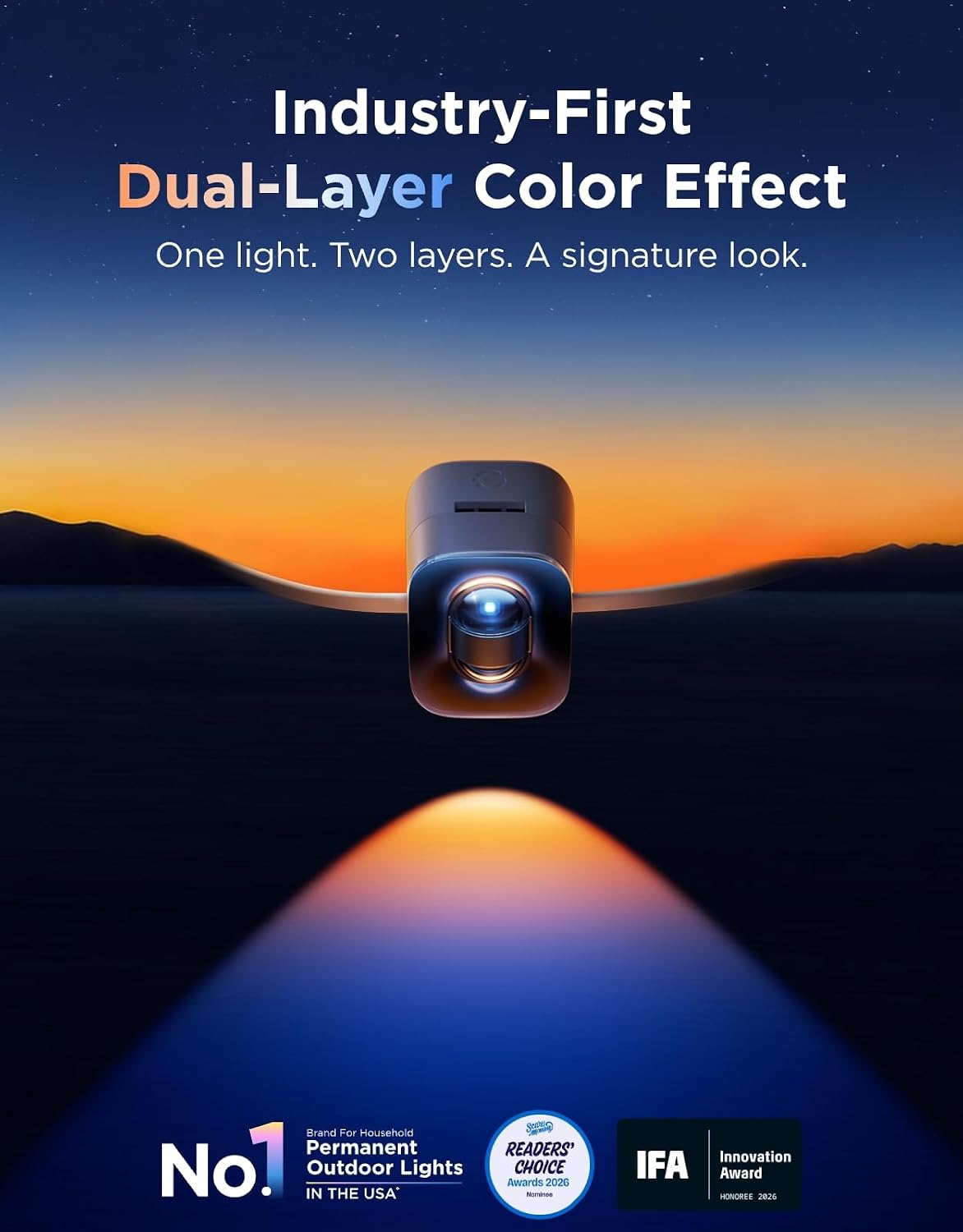
The dual-zone color blending is the standout. On a first-generation single-zone strand, a purple-to-teal gradient resolves into a series of distinct purple dots and teal dots. On the Govee Permanent Outdoor Lights 2 Pro, each node can hold two colors simultaneously, so the transition happens inside the light rather than between lights. Standing 40 feet from the house, the effect is closer to a linear wash than a row of bulbs.
The submersion test also surprised me. I cut a segment at a marked point, capped the cut end with the supplied wire connector, and left it in a bucket for three days. No moisture ingress, no discoloration, no behavior change after reconnecting. That is more than most IP68 claims survive in my experience.
Node spacing is the biggest compromise. With 84 light sources across 200 feet, you get roughly 28 inches between nodes. On trim lines that is fine. Across a broad flat wall it produces visible scalloping rather than an even wash, which is the honest limitation of the Govee Permanent Outdoor Lights 2 Pro review pros cons calculation.
Second, the AI Lighting Bot 2.0 is a novelty. I tried four conversational prompts and got usable results twice, with the other two producing muddy color combinations I would not have chosen manually. Third, there is no physical remote in the box. If your Wi-Fi drops, you are controlling these from your phone over Bluetooth within range of the control box, and nowhere else. That is a real annoyance for anyone who wants a simple on/off switch by the door.
Govee claims a 1000K to 10000K range. I measured the extremes visually against reference swatches and the warm end genuinely reads as deep golden-red rather than amber, while the cool end reads distinctly blue-white. The range claim holds.
Govee claims IP68 on the string and IP67 on the control box, plus operation from -22°F to 140°F. My 28°F low did not stress the lower limit, but the submersion test supported the IP68 claim on the string itself. The control box, however, is IP67 — it is not rated for immersion, and mounting it anywhere water pools will void your protection assumption.
The 50,000-hour LED lifespan claim is untestable in six weeks. What I can say is that the adhesive clips, not the LEDs, are the component I expect to fail first.
If the price is the deciding factor for you, it is worth checking the Govee Permanent Outdoor Lights 2 Pro review verdict against your actual roofline length before committing to the 200-foot kit.
| Specification | Detail |
|---|---|
| Model Number | H3A53 (H3A53101) |
| Total Length | 200 feet (12 cuttable segments) |
| Number of Light Sources | 84 nodes |
| Light Source Type | LED, dual-zone per node |
| Color Temperature Range | 1000K–10000K |
| White Brightness | 40 lumens per node |
| Power Source | Corded electric, 36V, 82.8W |
| Ingress Protection | IP68 string / IP67 control box |
| Operating Temperature | -22°F to 140°F |
| Connectivity | Wi-Fi, Bluetooth, Matter |
| Control Methods | App, voice (Alexa, Google Assistant) |
| Material | Plastic housing, adhesive clips |
| Rated LED Lifespan | 50,000 hours |
| Included Components | 12 cuttable strings, 2×12ft and 4×4ft extension cords, 36 extra adhesive clips, 4 wire connectors, 2 Y-connectors |
| Warranty | 36 months |
You can read a longer breakdown of how this compares to Govee’s own exterior upgrades we have tested, but here is the short version from my own install.
Out of the box you get 12 cuttable strings, two 12-foot and four 4-foot extension cords, 36 spare adhesive clips, four wire connectors, and two Y-connectors. You also need a few things Govee does not include: a cordless drill, a level or chalk line, exterior-rated screws for any hard mounting, and a weatherproof outlet cover if your exterior outlet is not already covered.
The physical work is straightforward but slow. Laying out the run before sticking anything down took me about 45 minutes and saved me from a bad decision on the gable. The app pairing took another two minutes. Realistically, budget three hours for a single-story front eave and five for a two-story with a gable, which is what my install ran.
If you want to see how these look on a finished install before committing, the Govee Permanent Outdoor Lights 2 Pro honest review photos from verified buyers are worth a look alongside mine.
| Product | Approx. Price | Key Differentiator | Best Use Case |
|---|---|---|---|
| Govee Permanent Outdoor Lights 2 Pro (200 ft) | $639.99 | Dual-zone color per node, 1000K–10000K white range, Matter | Whole-home architectural lighting plus holiday scenes |
| Govee Permanent Outdoor Lights Pro, 1st gen (150 ft) | Around $400 | Single-zone nodes, narrower white range | Budget-conscious buyers who want the same install format |
| Nanoleaf Matter Outdoor String Lights (49 ft) | Around $250 | Matter-native, larger globe bulbs, shorter run | Patios, decks, and pergolas rather than full rooflines |
| Enbrighten Permanent Outdoor Lights (100 ft) | Around $200 | Traditional E26-style sockets, no per-node color zones | Warm-white traditional look with replaceable bulbs |
| Trimlight / Jellyfish Lighting (professional install) | $2,500–$5,000 installed | Hidden aluminum channel, pro installation and service | Buyers who want zero DIY and invisible daytime hardware |
You own your home, your primary run is between 120 and 200 feet, and you want one system that handles both architectural accent lighting and holiday scenes without re-hanging anything. It is also the right call if you already run Alexa or Google Assistant at home, since the Matter integration makes these lights behave like a native device rather than a separate app you have to remember. Finally, if color accuracy matters to you more than peak brightness, this Govee Permanent Outdoor Lights 2 Pro review found the dual-zone hardware is genuinely ahead of everything else in its price band.
Your roofline is under 80 feet, in which case the Nanoleaf Matter Outdoor String Lights at roughly a third of the price will cover a patio or single eave without the wiring complexity. If you want warm white only and never plan to change colors, the Enbrighten kit does that job for around $200 and lets you replace individual bulbs. And if you have no interest in ladders, adhesive, or app setup, a professional Trimlight or Jellyfish install costs three to eight times more but includes the installation and service call.
For a broader look at how these outdoor upgrades fit together, our team has covered several related installs, including this cable railing kit review that pairs well with an exterior refresh.
The Govee Permanent Outdoor Lights 2 Pro was priced at $639.99 at the time of this review for the 200-foot kit. That is premium for consumer permanent lighting, but it is roughly a seventh of a professional Trimlight install, and it includes 84 dual-zone nodes, Matter support, and a 36-month warranty. Broken down per foot, you are paying about $3.20, which is in line with the first-generation Pro and noticeably less than the per-foot cost of the Nanoleaf system once you buy enough kits to cover a comparable run.
Buy from an authorized retailer rather than a marketplace reseller. The 36-month warranty requires proof of purchase from an authorized seller, and counterfeit or grey-market Govee strands do exist. Amazon’s standard return window also gives you 30 days to dry-fit and power the kit before you commit to mounting anything permanently.
Govee runs periodic sales around major shopping events, and the kit occasionally appears bundled with extension cords or mounting hardware. Prices move, so check before assuming the figure above is current.
Price verified at time of publication. Check for current availability and deals.
Govee backs the H3A53 with a 36-month warranty — three years, which is above average for the smart lighting category where 12 to 24 months is common. Coverage applies to manufacturing defects and premature LED failure, not to physical damage, water ingress from improper installation, or damage from cutting outside the marked points. Worth noting: the 50,000-hour LED lifespan rating far outlasts the warranty period, so a defect you would actually claim will almost certainly surface in the first year or two.
Support runs through the Govee Home app and their web portal. In my experience with Govee products, response times land within 24 to 48 hours and replacement parts ship without much argument when you provide order details. That said, the adhesive clips are consumables and are not covered — plan to buy more eventually, and this Govee Permanent Outdoor Lights 2 Pro review verdict factors that into the long-term cost.
Three findings stood out across six weeks. First, the dual-zone nodes deliver a genuinely smoother gradient than any single-zone strand I have tested, and that difference is visible from the street. Second, the IP68 rating holds up under actual submersion, not just rain. Third, the friction in this system is almost entirely software — app lag, an inconsistent AI feature, and no physical remote — while the hardware itself has been trouble-free. This Govee Permanent Outdoor Lights 2 Pro review landed on a clear picture of a well-built product with an over-engineered app layer.
Yes, it is worth buying — for the right buyer. If you own your home, have 120 to 200 feet to cover, and want permanent color lighting with real accuracy, nothing else in the consumer tier matches the dual-zone hardware. I rate it 4.3 out of 5, deducting for the 28-inch node spacing, the missing physical control, and the $639.99 price. If any of those three things matter more to you than color quality, look at the alternatives above.
The simplest way to describe it: these are the first permanent lights I have installed where the daytime hardware disappears and the nighttime result looks professionally specified. If you have installed these on your own home, I would like to hear how the adhesive clips held up through a full winter — that is the one thing six weeks cannot answer. Govee Permanent Outdoor Lights 2 Pro review and rating details are on the product page if you want to compare buyer photos to mine.
At $639.99 for 200 feet, it is worth it if you have a roofline long enough to use most of the run and you actually want color. The per-foot cost of roughly $3.20 is competitive against the first-generation Pro, and the dual-zone nodes are the reason to pay the premium. If you only want warm white or your run is under 80 feet, a cheaper kit delivers 90 percent of the result.
The core difference is the nodes. The 1st-gen Pro uses single-zone LEDs, so gradients resolve as alternating colored dots rather than a blend. The 2 Pro also widens the white range to 1000K–10000K and adds Matter support, which the original lacks. The 1st-gen Pro still costs around $400 and remains a reasonable buy if gradients are not something you care about.
My 200-foot install took about five hours across two sessions on a two-story house with a gable. The app pairing took under two minutes. The physical work is not difficult, but it is ladder work with planning involved. If you dry-fit the run on the ground first, a first-timer can handle it comfortably in an afternoon.
The kit includes 12 cuttable strings, extension cords, 36 adhesive clips, four wire connectors, and two Y-connectors. It does not include a drill, exterior screws for hard mounting, a level or chalk line, or a weatherproof outlet cover. If your run exceeds 200 feet, you also need a second kit. A spare pack of mounting clips for the Govee Permanent Outdoor Lights 2 Pro review pros cons is worth having on hand.
Govee covers the H3A53 with a 36-month warranty, which is above average for smart lighting. It covers manufacturing defects and premature LED failure, not physical damage or water ingress from improper mounting. Support runs through the Govee Home app and their web portal, with typical response times of 24 to 48 hours and replacement parts shipped without much friction.
Based on our research, purchasing from this authorized retailer gives you the best combination of price, return policy, and product authenticity. Authorized purchase matters here because the 36-month warranty requires proof of purchase, and grey-market Govee strands do circulate. The 30-day return window also lets you dry-fit and test before mounting permanently.
Yes, at marked points only. The kit ships with 12 cuttable segments, four wire connectors, and two Y-connectors for center-feed layouts. I cut and reconnected one segment in under ten minutes with no loss in brightness or color accuracy afterward. Cutting anywhere other than the marked points will kill the downstream run and void your warranty, so measure twice.
They need Wi-Fi for remote control, scheduling, and Matter integration, but Bluetooth works locally within range of the control box. During a power outage the lights go dark and will not restore your previous scene automatically unless you have an automation set. As a result, the practical answer is: they are smart lights, not resilient lights, and you should plan on app access to get them back after an outage.
Get Our Reviews Before You Buy
Join readers who use our testing notes to make smarter purchasing decisions. No sponsored rankings. No filler. Just honest reviews and practical guides, delivered when it matters.